
Disclosure: This post may contain affiliate links. If you buy through them, we may earn a small commission at no extra cost to you.
Welcome back to Upgrade or Skip.
In the last post, we talked about Perplexity Pro and whether paid AI search is actually worth it when Google is still enough for many searches.
Now we need to talk about the bigger problem.
Not every AI problem is about money.
Sometimes the problem is what happens after you install the tools.
The endless tabs.
The endless experiments.
The endless feeling that there is always a better model, a better prompt, a better workflow waiting one click away.
At some point, the tool that was supposed to save time starts taking your time.
Funny how that works.
The technology designed to make life easier somehow creates another thing to manage.
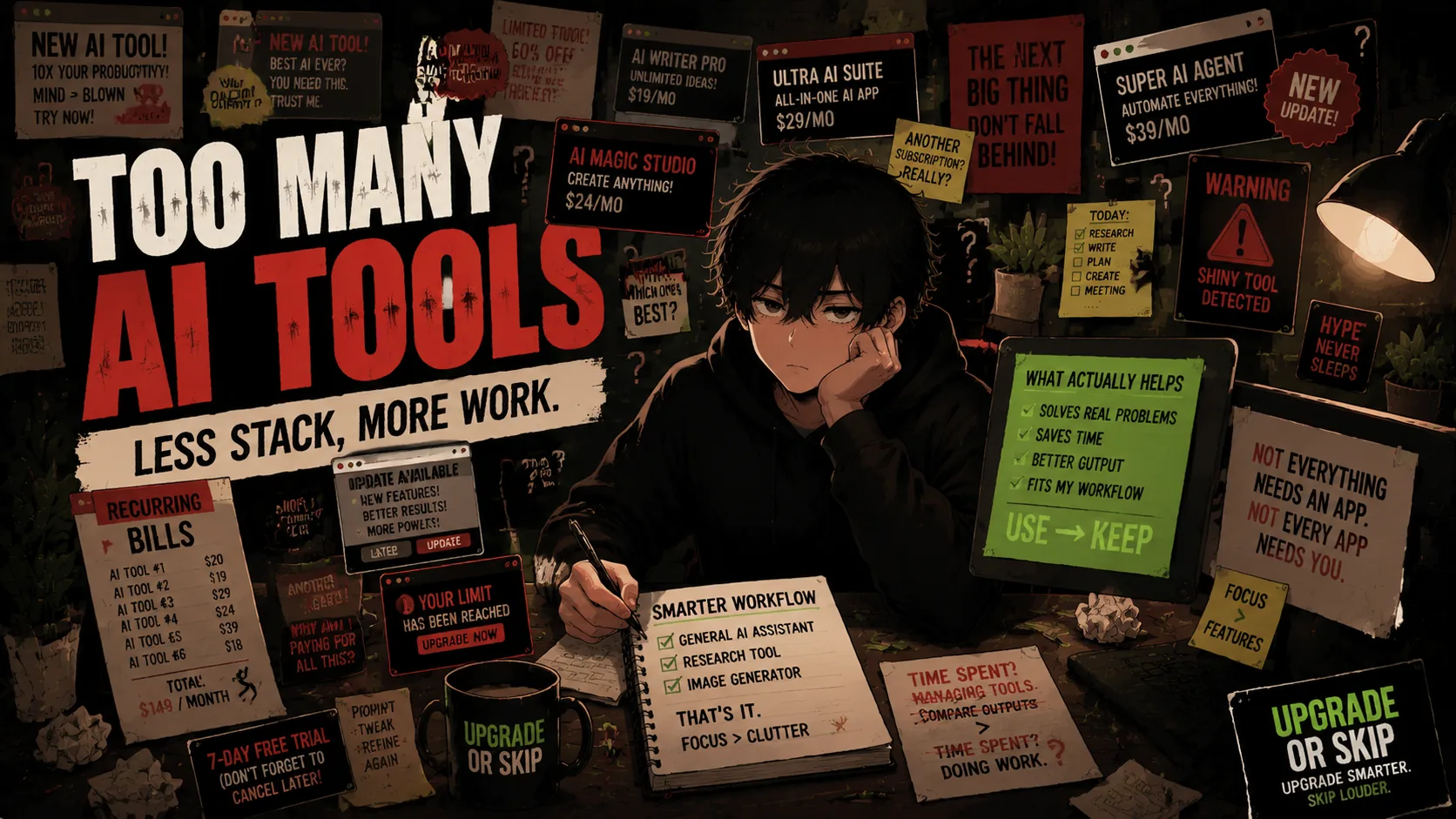
Welcome to the less exciting side of AI:
The AI tool overload problem.
AI Tools Are Becoming The New Browser Tabs
Remember when everyone had 47 browser tabs open?
Research tab.
Shopping tab.
A video you were definitely going to watch.
An article you absolutely needed.
A random Reddit thread from 2021.
AI tools are starting to become the new version of that.
One tool for writing.
One tool for research.
One tool for images.
One tool for coding.
One tool for meetings.
One tool for notes.
One tool because someone on YouTube said:
“This changed my entire workflow.”
Spoiler:
It probably changed their workflow.
For about three days.
Then the next tool arrived.
The problem is not that these tools are bad.
Many of them are genuinely impressive.
The problem is that every tool creates another decision.
Which model should I use?
Should I ask this in ChatGPT or Claude?
Should I research with Perplexity?
Should I summarize with another tool?
Should I organize everything in an AI notes app?
Suddenly you are spending more time choosing tools than doing the work.
That is not productivity.
That is digital shopping with better branding.
The AI Productivity Paradox
AI companies sell a simple dream:
Save time.
Work faster.
Create more.
And sometimes they are right.
But there is a hidden problem:
Tools do not automatically create better workflows.
People do.
A bad workflow with AI is still a bad workflow.
It just has more buttons now.
For example:
Someone spends 30 minutes testing five AI writing tools to decide which one is best.
Then spends another 20 minutes comparing outputs.
Then another 15 minutes adjusting prompts.
The original task?
Writing a short email.
Congratulations.
You used advanced technology to avoid writing a three-sentence message.
The tool was powerful.
The process was terrible.
More AI Does Not Mean More Intelligence
This is where the internet gets confused.
More tools feel like progress.
More subscriptions feel like commitment.
More complicated workflows feel professional.
But complexity is not the same as improvement.
A professional photographer does not become better by owning 50 cameras.
A chef does not become better by buying every kitchen gadget.
And you do not become more productive because your browser has twelve AI extensions.
The best tool is not always the most powerful one.
It is the one you actually use.
The Hidden Cost: Attention
Everyone talks about AI subscription prices.
Nobody talks enough about attention cost.
Every AI tool requires:
- A login
- A new interface
- A new workflow
- A new way of organizing files
- A new set of habits
- A new thing to remember
That mental overhead adds up.
A tool that saves five minutes but creates ten minutes of management is not saving time.
It is moving the work somewhere else.
Across Reddit threads, productivity forums, and AI tool communities, the complaints often sound similar: too many subscriptions, too much switching, too much verification, and too little proof that the stack actually makes work easier.
The question is becoming less:
“What is the best AI tool?”
And more:
“Which tool actually fits my workflow?”
That is a much harder question.
Also a much more useful one.
AI Should Remove Friction, Not Create A New Hobby
There is nothing wrong with enjoying technology.
Trying new tools is fun.
Experimenting is fun.
Finding a better workflow is valuable.
The problem starts when testing tools becomes the activity itself.
You are not building a system anymore.
You are collecting possibilities.
And possibilities are addictive.
Because there is always another tool promising:
Better results.
Better models.
Better automation.
Better everything.
The internet has always been good at selling the next thing.
AI just made the next thing arrive every week.
The One Question Most People Skip
Before adding another AI tool, ask:
“What problem does this solve?”
Not:
“Is this impressive?”
Not:
“Does everyone recommend it?”
Not:
“Will I become more productive someday?”
A real problem.
Something like:
- I write articles every week and need help organizing ideas.
- I research complicated topics and need summaries.
- I write code and need debugging help.
- I handle meetings and need better notes.
- I create images and need faster concepts.
Those are jobs.
Tools can solve jobs.
They cannot solve vague feelings.
If the reason is:
“I feel like I should be using AI more.”
That is not a workflow problem.
That is marketing working exactly as designed.
The AI Stack Most People Actually Need
For many people, the ideal AI setup is probably smaller than they think.
Maybe:
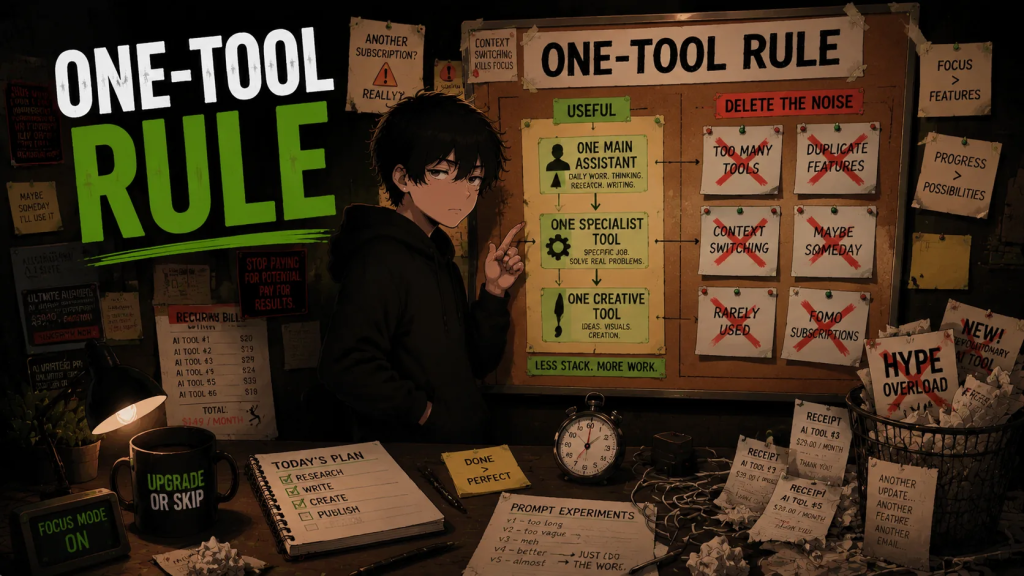
- One general AI assistant
- One specialized tool for a specific hobby or job
- One creative tool if you actually create
That is it.
Not every person needs an AI command center.
Not everyone needs a 15-tool productivity stack.
Sometimes the most advanced setup is knowing what not to use.
Very inconvenient for companies selling subscriptions.
Very convenient for your wallet.
Upgrade If:
Upgrade if an AI tool solves a problem you regularly have.
Upgrade if it saves time you can actually measure.
Upgrade if it improves work you already do.
Upgrade if you use it frequently enough to justify the cost.
Upgrade if it replaces another tool or removes friction.
Upgrade if you understand exactly why it belongs in your workflow.
A paid AI tool should have a job.
Not a vibe.
Skip If:
Skip if you downloaded it because everyone online talks about it.
Skip if you are collecting tools instead of using them.
Skip if you spend more time managing AI tools than doing work.
Skip if you cannot explain what problem it solves.
Skip if you already have another tool doing the same thing.
Skip if you are keeping it because “maybe someday” you will need it.
That is not a tool.
That is subscription anxiety with better branding.
The Upgrade or Skip Take
AI tools are powerful.
That is exactly why people need to be careful with them.
The danger is not that AI is useless.
The danger is that useful technology can still become unnecessary clutter.
A tool should make your workflow simpler.
Not turn your workflow into a software management job.
You do not need the biggest AI stack.
You need the smallest stack that actually helps.
The future is probably going to have more AI.
More apps.
More assistants.
More automation.
That does not mean you need all of them.
Use AI when it removes friction.
Upgrade when it creates real value.
Skip when it only creates another thing to manage.
Because the smartest upgrade is sometimes removing what you do not need.
Next Up:
Best AI Tools for Everyday People That Are Actually Useful
Because after talking about all the unnecessary AI noise, it is time to talk about the tools that actually deserve your attention.
Upgrade smarter. Skip louder.