
Disclosure: This post may contain affiliate links. If you buy through them, we may earn a small commission at no extra cost to you.
Welcome back to Upgrade or Skip.
In the last post, we compared Claude and ChatGPT and asked which subscription actually fits your workflow.
Now we need to talk about search.
Because search is getting weird.
Google is no longer just ten blue links. It is ads, snippets, maps, shopping boxes, Reddit threads, videos, AI Overviews, and an SEO article that needs 2,400 words to tell you how to restart a router.
Very efficient.
Very modern.
Meanwhile, Perplexity has become one of the most visible “answer engine” alternatives. You ask a question, receive a summarized answer, see cited sources, and continue with follow-up questions.
So the real question is not:
Is Perplexity better than Google?
It is:
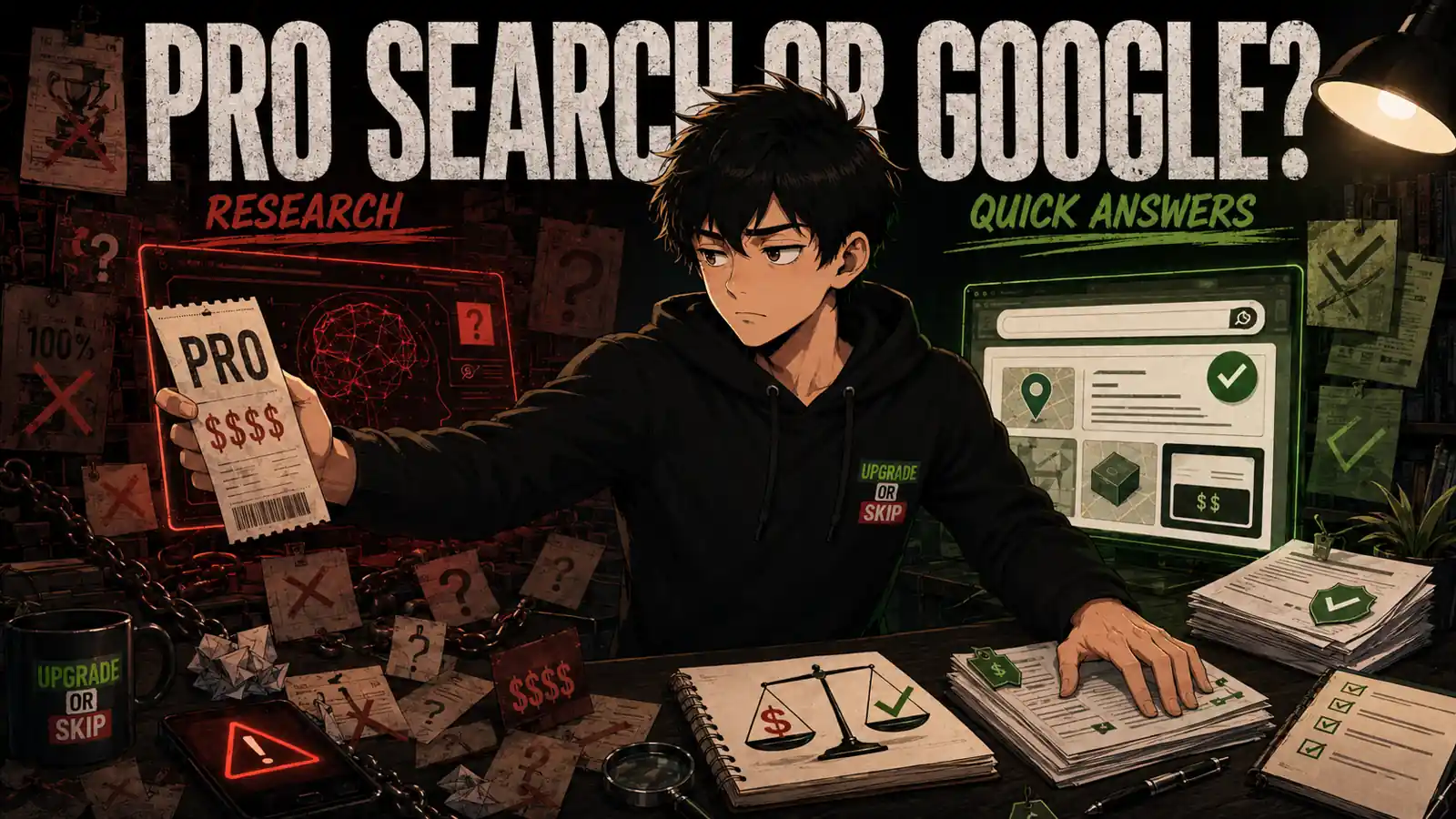
Do you actually need to pay for Perplexity Pro, or is Google still enough?
The short answer:
Google is still enough for most everyday searches.
Free Perplexity is enough for many research questions.
Perplexity Pro only makes sense when research is part of your real work.
Not your imaginary productivity empire.
Your actual week.
The Short Answer
Use Google if you mostly search for:
- Official websites
- Product pages
- Local businesses
- Maps and directions
- Current prices
- Definitions
- Quick facts
- Images and videos
- Shopping results
- Simple “what is this?” questions
Use free Perplexity if you want:
- A cleaner overview than traditional search
- Sources collected in one place
- Follow-up questions
- A quick introduction to an unfamiliar topic
- A starting point before deeper research
Consider Perplexity Pro if you regularly need:
- More detailed, source-heavy research
- Extended research sessions
- Access to additional AI models
- More file uploads and document analysis
- Structured summaries
- Academic or technical exploration
- Repeated research for paid work or study
Skip Perplexity Pro if your usual search process is still:
Open Google.
Click the official result.
Done.
There is no shame in that.
A lot of searches do not need a research assistant.
They need a link.
Perplexity Is Not Just “Google With AI”
Perplexity is often described as a Google alternative, but that is only half true.
Google is still the map of the internet.
Perplexity is closer to a research assistant standing on top of that map.
Google shows you the roads.
Perplexity tries to summarize the route, point out the important exits, and explain why one path might be better than another.
That can be useful.
It can also be dangerous if you stop checking where it is taking you.
Perplexity’s main appeal is simple: it gives you a direct answer with visible sources. You can ask a messy question, receive a readable summary, and continue with follow-ups without rebuilding the search from scratch.
That feels much better than opening eight tabs and discovering that six of them were written by someone trying to sell you a standing desk, a VPN, or inner peace.
But the convenience is also the trap.
A summarized answer with citations looks trustworthy.
That does not mean every claim is correct.
AI search tools can misunderstand sources, compress away important context, cite pages that only partly support the answer, or make a weak source look stronger because the final paragraph sounds confident.
This matters because Perplexity feels finished.
Google still looks like work.
Perplexity looks like the work has already been done for you.
Sometimes it has.
Sometimes it has simply put a suit on uncertainty.
What Perplexity Pro Actually Adds
At the time of writing, Perplexity Pro is commonly listed in the familiar paid-AI range of around $20 per month, with annual pricing and regional offers subject to change. Check the live Perplexity pricing page before subscribing.
The general pitch is clear:
Free Perplexity is for lighter search.
Perplexity Pro is for heavier research.
Depending on the current plan details, Pro typically adds higher usage limits, more advanced search or research features, access to additional AI models, more file uploads, and stronger document analysis options.
That sounds impressive.
But here is the less exciting question:
How often do you actually need it?
Not how often the features look useful.
How often they improve something you finish.
If you are a student, writer, analyst, marketer, developer, researcher, founder, or content creator who regularly compares sources and turns messy information into usable briefs, Pro can become valuable quickly.
If you mostly use search to settle random daily questions, it is much harder to justify.
“Interesting” is not the same as “worth paying for every month.”
The subscription needs to remove a real bottleneck.
It should not create a new hobby called “asking Perplexity things because I paid for it.”
Where Google Is Still Better
Google still wins when you already know what you want.
If you need a specific website, official documentation, login page, product listing, location, phone number, restaurant, map, image, or current price, Google is usually faster.
You do not need an AI research report for:
- “Amazon return policy”
- “Best Buy near me”
- “Perplexity pricing”
- “Delta baggage fees”
- “Notion login”
You need the source.
Preferably the official one.
This is where people overcomplicate search. They treat every question as if it deserves a research memo.
It does not.
Some searches are errands.
Google is still very good at errands.
Perplexity becomes more useful when the question is not:
Where is the answer?
But:
How should I understand these answers together?
That is a different job.
Where Perplexity Feels Better
Perplexity starts to shine when a question has layers.
For example:
- “What are the tradeoffs between Perplexity Pro and Google for research?”
- “What changed in AI search this year?”
- “Which sources disagree about this product?”
- “Summarize the arguments for and against this policy.”
- “Compare three tools and show where the evidence comes from.”
- “What complaints keep appearing in long-term user discussions?”
These are not simple searches.
They are investigation prompts.
Across public Reddit threads, forums, and AI-tool communities, the recurring appeal is consistent: Perplexity feels faster, cleaner, and more source-focused when users want a research map instead of another pile of search results.
The more careful users tend to treat it as a first pass.
Not the final truth.
That distinction matters.
Perplexity is useful for discovering the shape of a topic.
It becomes less reliable when you let it act as the researcher, editor, judge, and source inspector at the same time.
Convenient?
Absolutely.
A little too convenient?
Also absolutely.
The Citation Problem Nobody Should Ignore
Perplexity’s biggest strength is also its biggest risk.
Sources.
People like Perplexity because it provides citations.
Good.
Citations are better than vibes.
But citations are not magic.
A citation can be outdated.
It can support one sentence without supporting the entire paragraph.
It can come from a promotional page, a thin article, or a source that is technically related but not strong enough for the claim being made.
It can make a weak answer feel rigorous.
This is not only a Perplexity problem. It applies to AI Overviews, AI Mode, ChatGPT search, Gemini, Claude, and every other tool that summarizes the web for you.
The correct habit is simple:
Open the important sources yourself.
If a decision involves money, health, law, taxes, safety, business risk, or anything you plan to publish, do not stop at the AI answer.
Use the answer to find the sources.
Then read the sources.
Very annoying.
Very adult.
Perplexity Pro vs Free: The Real Difference
The free version of Perplexity is already useful.
That is the main problem for Pro.
If free Perplexity gives you enough answers, citations, and follow-ups for your normal week, paying may not change much.
The upgrade matters when you repeatedly hit limits or need the stronger research, model, and file-analysis features.
A good test is simple:
Use free Perplexity for one week.
Every time you feel blocked, write down why.
Did you:
- Hit a usage limit?
- Need a deeper research report?
- Need better source coverage?
- Need to analyze more files?
- Need longer or more structured output?
- Need to compare more evidence?
- Lose time repeating searches?
- Fail to finish work because the free version stopped helping?
If you cannot name the bottleneck, do not upgrade.
The paid plan should solve a problem you already experienced.
Not one the pricing page taught you to imagine.
Google Is Becoming an Answer Engine Too
The old comparison was simple:
Google gives you links.
Perplexity gives you answers.
That distinction is becoming less accurate.
Google now offers AI Overviews and AI Mode-style search experiences in many places, with generated answers, follow-up questions, multimodal input, and links for further exploration.
In other words, Google is becoming more like Perplexity.
Perplexity is becoming a broader research layer for the web.
The remaining difference is mostly about focus and workflow.
Google still sits inside a massive search ecosystem with maps, local results, shopping data, videos, images, official pages, and real-time information.
Perplexity is more focused on answer-first research.
That focus is its advantage.
It is also why you need to remain skeptical.
When an answer engine gives you a clean response, your work is not necessarily finished.
Your job has simply moved from searching to checking.
Perplexity Pro vs Google: The Real Test
The honest comparison is not:
Which one is smarter?
The better question is:
Which one gets you to a usable answer faster without hiding too much?
Google gives you more control.
You choose the sources. You compare the pages. You see the mess.
Perplexity gives you more synthesis.
It reads across sources, summarizes the pattern, and produces a starting framework.
But synthesis is not verification.
Google makes you do more work.
Perplexity makes it easier to do less.
That is useful when the task is low-risk or when you are using the result as a starting point.
It becomes risky when you use it to avoid judgment.
The best workflow is often boring:
Use Perplexity to understand the topic.
Use Google to inspect the sources.
Use your brain before spending money.
Revolutionary stuff.
The Product Research Question
Perplexity can be useful for product research, especially when you want to compare specifications, reviews, complaints, and alternatives quickly.
But I would not use it alone for a buying decision.
For products, subscriptions, and expensive upgrades, you still want:
- Official product pages
- Current prices
- Warranty information
- Return policies
- Recent user reviews
- Reddit and forum complaints
- Long-term YouTube reviews
- Multiple retailers
- Independent testing when available
Perplexity can summarize.
Google can help you inspect.
Official pages can confirm the details.
Reddit can reveal the pain.
YouTube can show the product behaving badly in real life.
Beautiful ecosystem.
Slightly exhausting.
This is why “Perplexity vs Google” is the wrong binary.
A better workflow is:
Perplexity for the overview.
Google for source hunting.
Forums and YouTube for user pain.
Official pages for facts.
That is slower than believing one polished answer.
It is also how you avoid buying nonsense.
The Three-Search Test

Before paying for Perplexity Pro, choose three real searches from your actual week.
Not impressive demo questions.
Real ones.
Search 1: A simple factual or navigational question.
Search 2: A product or subscription decision.
Search 3: A complicated research question involving multiple sources.
Run each through:
- Free Perplexity
- Whatever AI assistant you already pay for
Then ask:
- Which tool found the correct source fastest?
- Which one made the tradeoffs clearest?
- Which one hid uncertainty?
- Which one saved time without making me careless?
- Which one would I trust enough to use again tomorrow?
- Which one actually changed the decision?
If Perplexity wins only the complicated research question, that is useful information.
But it may not justify Pro unless you do that kind of research regularly.
If it wins across your whole week, now we have a case.
Pay for patterns.
Not moments.
Who Should Actually Pay for Perplexity Pro?
Perplexity Pro makes the most sense for people who research often enough that better search becomes a tool rather than a toy.
For example:
- A student comparing academic sources
- A writer building article briefs
- A marketer researching competitors
- A founder tracking a market
- A developer comparing tools or technical approaches
- A product manager monitoring industry changes
- A shopper researching expensive products
- A creator who needs fast background research with visible sources
In these situations, Perplexity Pro can save real time.
Not because it replaces Google.
Because it reduces the first painful stage of research: figuring out what matters.
That is where people lose an hour opening tabs, skimming weak pages, and eventually forgetting why they started.
Perplexity can compress that mess into a research map.
For some people, that is worth paying for.
For everyone else, it may be occasional convenience.
Occasional convenience does not automatically deserve a subscription.
Who Should Stick With Google?
Stick with Google if your searches are mostly simple, navigational, local, shopping-related, or focused on official sources.
Also stick with Google if you know you will not check citations.
That sounds harsh, but it matters.
AI search makes polished answers easier to accept without inspection.
If a confident paragraph is enough to make you stop looking, Perplexity may make your research faster and worse at the same time.
Google creates friction.
Sometimes that friction protects you.
You see the source name.
You see the publication date.
You see whether the result is an official page, retailer, forum post, Reddit thread, video, or suspiciously enthusiastic affiliate article.
The mess can be annoying.
It is also information.
Perplexity cleans up that mess.
Make sure it does not clean away the evidence.
Upgrade If:
Upgrade to Perplexity Pro if research is a recurring part of your work or study.
Upgrade if you frequently compare sources, summarize complex subjects, analyze files, track changing topics, or build research briefs.
Upgrade if free Perplexity is already useful but you regularly hit limits or need its deeper research features.
Upgrade if the subscription helps you complete articles, reports, academic work, competitive research, product comparisons, or technical decisions faster.
Upgrade if you can point to time saved or better work completed.
Upgrade if you treat Perplexity as a research assistant.
Not an oracle.
That last part matters.
A lot.
Skip If:
Skip Perplexity Pro if most of your searches are simple.
Skip if you mainly need official sites, prices, maps, product pages, local results, images, or quick facts.
Skip if free Perplexity already satisfies your curiosity.
Skip if you already pay for ChatGPT, Claude, Gemini, or another AI service and cannot clearly explain what Perplexity Pro adds.
Skip if you want it mainly because AI search feels like the future.
The future can wait until it saves you time or money.
Skip if you are unwilling to open the sources yourself.
A cited answer is still not a verified answer.
The Upgrade or Skip Take
Perplexity Pro is not a Google replacement for most people.
It is a research upgrade for people who already feel the pain of messy search.
If your work involves comparing sources, following fast-moving topics, studying complex subjects, building briefs, or making expensive decisions, Perplexity Pro may be worth testing.
But if your search life is mostly quick facts, official pages, local results, current prices, and casual curiosity, Google plus free Perplexity is probably enough.
Do not pay for AI search simply because Google annoys you.
Google has annoyed people for years.
That is not a subscription strategy.
Pay only if Perplexity changes what you finish.
Use Google when you need the source.
Use Perplexity when you need the shape of the answer.
Use your own judgment before money leaves your account.
Pay for research you actually do.
Skip research theater.
Next Up:
The Problem With AI Tools Nobody Talks About
AI tools are not only competing for your money.
They are competing for your attention, habits, trust, and decision-making.
That is where the real cost begins.
Upgrade smarter. Skip louder.