
Disclosure: This post may contain affiliate links. If you buy through them, we may earn a small commission at no extra cost to you.
Welcome back to Upgrade or Skip.
In the last post, we talked about how AI is everywhere now.
Search.
Email.
Documents.
Meetings.
Browsers.
Phones.
Every app wants a shiny AI button.
The point was not:
“AI is bad.”
It was:
“AI is not automatically an upgrade.”
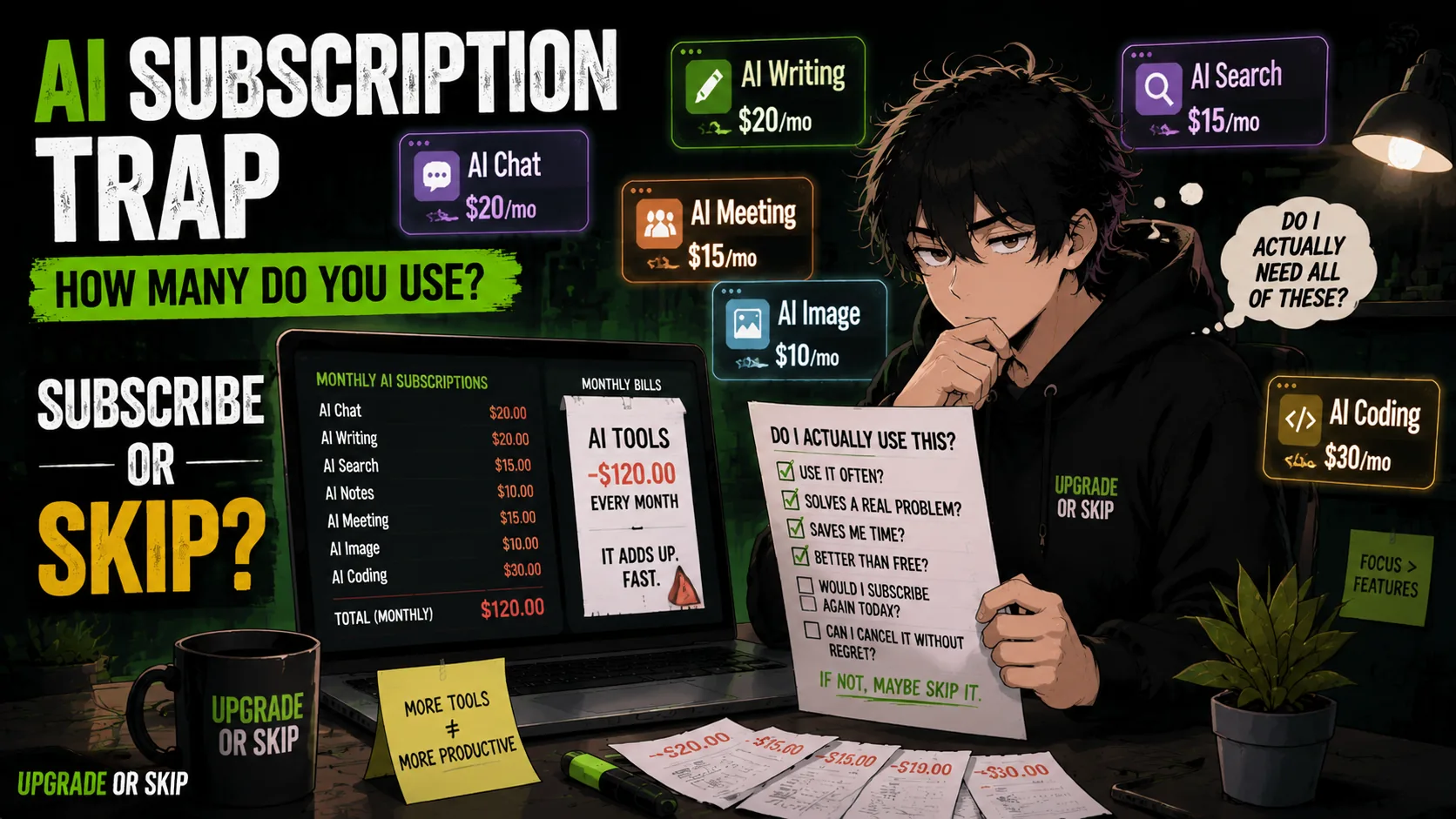
Now we need to talk about what happens after that shiny button becomes a monthly charge.
Because AI tools have a funny habit of starting small.
One subscription.
Maybe ChatGPT Plus.
Then Claude looks better for writing.
Gemini connects nicely with Google.
Perplexity has citations.
The coding assistant looks useful.
The meeting tool promises to save you from another endless call.
The AI notes app says it will become your second brain.
The image generator says words are no longer enough.
Then one day you check your subscriptions and realize your productivity stack has become a small monthly rent payment with a login screen.
Beautiful.
Efficient.
Slightly concerning.
So today we are asking:
How many AI tools are you actually using?
Not how many are impressive.
Not how many might be useful someday.
The real question is:
Which AI tools actually earn their monthly cost?
The Trap Is Not One Bad Tool
Most AI subscription waste does not come from one terrible tool.
It comes from too many decent tools.
That is what makes it dangerous.
ChatGPT is useful.
Claude is useful.
Gemini is useful.
Perplexity is useful.
The problem is not that these tools are fake.
The problem is overlap.
If five tools can all summarize documents, rewrite emails, brainstorm ideas, and answer questions, paying for all five may not be a workflow.
It may be indecision with invoices.
AI Stacks Can Be Smart
Not every AI stack is wasteful.
Some people genuinely need multiple tools.
A reasonable AI stack might include:
- One general AI assistant
- One research tool
- One coding tool
- One image or video tool
- One meeting or notes tool
If each tool has a clear purpose, that can make sense.
The problem starts when every tool stays because of one phrase:
“Just in case.”
A stack is only smart when every tool has a job.
Otherwise, it is just a pile.
And piles are not strategies.
The One-Job Rule
Before paying for any AI tool, give it one job.
Not:
“Help me become more productive.”
That sentence has sold millions of subscriptions.
Give it a real job:
- Write and edit blog drafts
- Summarize long PDFs
- Research with citations
- Help debug code
- Generate image concepts
- Turn meetings into action items
- Organize notes
Then ask:
Does this tool do that job better than what I already have?
If yes, maybe it earns a place.
If no, skip it.
If you cannot name the job, definitely skip it.
Watch For Duplicate Subscriptions
Duplicate subscriptions are where the quiet leak starts.
You probably do not need:
- Three general chatbots
- Two research assistants
- Two AI writing apps
- Two note-taking apps
- Two image generators
Multiple tools can make sense when they are meaningfully different.
But if they are all just:
“The AI tab I sometimes open.”
Pick one.
Subscriptions love ambiguity.
Your budget does not.
Monthly Cost Is Not The Only Cost
AI tools cost more than money.
They cost attention.
Every tool adds:
- A login
- A workflow
- A learning curve
- A history
- A prompt style
Sometimes one slightly less powerful tool is better than five excellent tools you constantly switch between.
That is why many Reddit discussions are moving away from:
“What is the best AI?”
and toward:
“Which AI actually fits my workflow?”
That is the better question.
Do A Subscription Audit
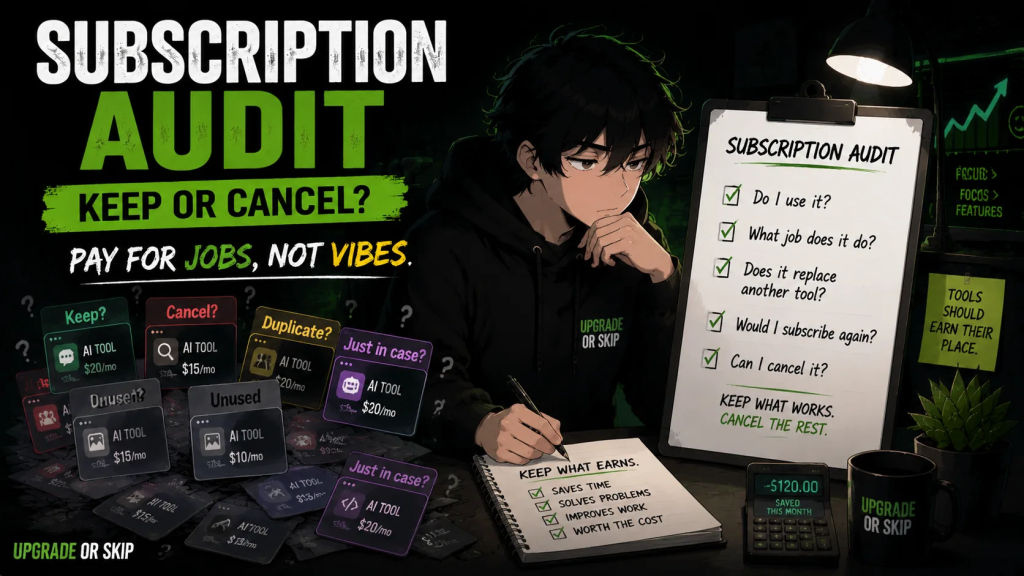
For every AI tool you pay for, ask:
- What do I use it for?
- How often do I use it?
- What does it replace?
- What happens if I cancel?
- Would I subscribe again today?
If you would not subscribe again today, the tool is probably living on nostalgia.
Cancel it for a month.
If you miss it, bring it back.
If you forget it existed:
Congratulations.
You found money.
Upgrade If:
- Each AI tool has a specific job.
- You use the tool frequently.
- It saves real time or improves real output.
- It replaces another paid service.
- It fits your workflow better.
- You would subscribe again today.
Skip If:
- You keep the tool “just in case.”
- It overlaps heavily with another tool.
- You barely used it last month.
- You cannot explain what it does better.
- You are paying because of FOMO.
- You forgot it was charging you.
The Upgrade or Skip Take
AI tools can be useful.
AI subscriptions can also multiply quietly.
That is the trap.
The goal is not to build the most impressive AI stack.
The goal is to build the smallest stack that actually helps you.
One AI tool you use every day is better than five tools you keep because someone online posted a prettier workflow screenshot.
Pay for jobs.
Not vibes.
Pay for repeated value.
Not future fantasy.
If a tool earns its place:
Upgrade.
If it mostly exists to make you feel caught up:
Skip.
Your workflow does not need more apps.
It needs fewer weak reasons.
Next up:
Free AI vs Paid AI: When Should You Upgrade?
Because sometimes the real question is not which AI tool to use.
It is whether you should pay at all.
Upgrade smarter. Skip louder.