
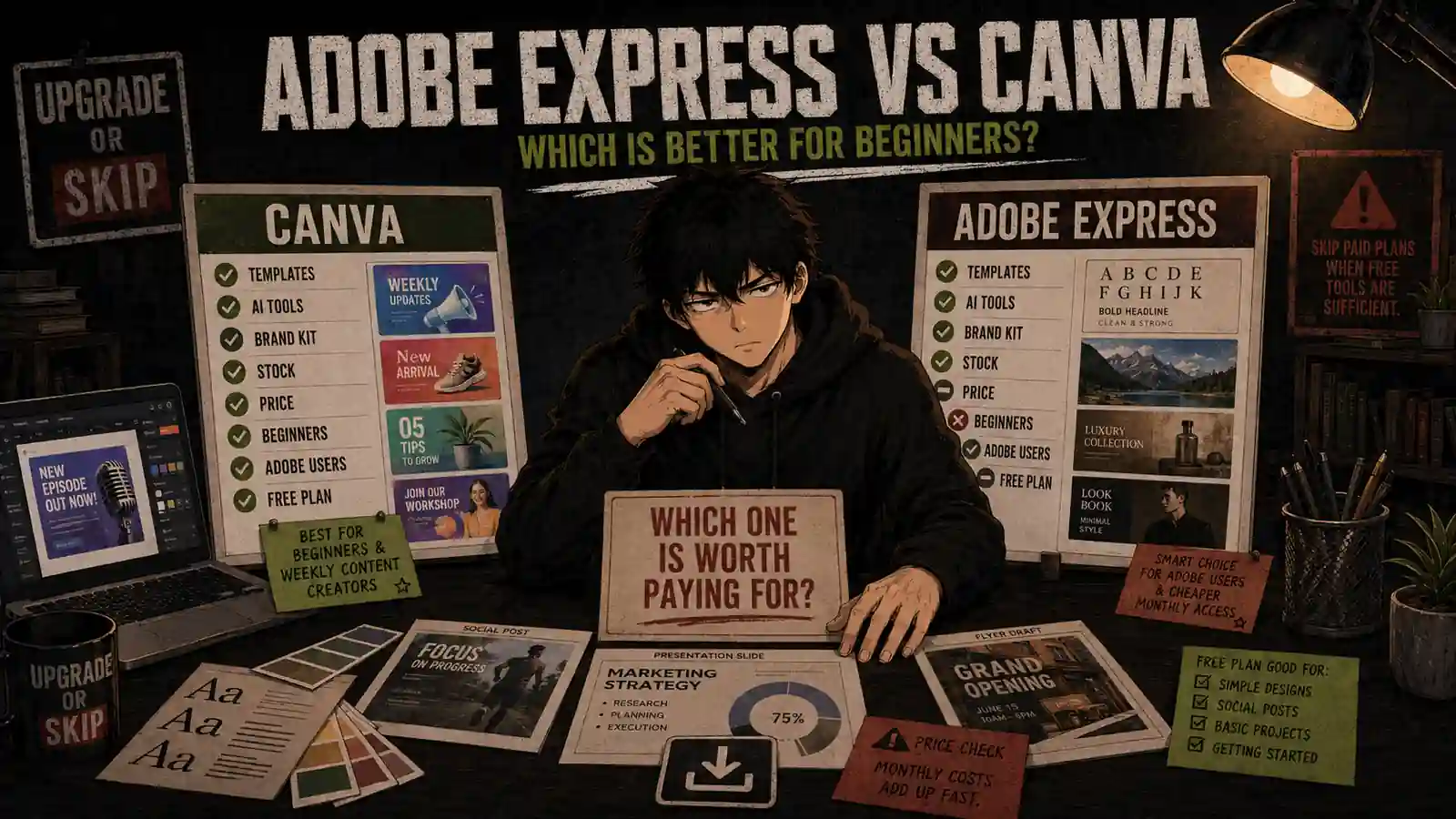

Welcome back to Upgrade or Skip.
Canva and Adobe Express promise almost the same thing:
Create social posts, presentations, flyers, thumbnails, short videos, marketing graphics, and branded content without learning traditional professional design software.
Both provide drag-and-drop editors.
Both offer templates, stock assets, background removal, one-click resizing, brand tools, social scheduling, and generative AI.
The difference appears after you start using them repeatedly.
Canva feels like a broad visual workspace designed to help beginners create almost anything quickly.
Adobe Express feels like a streamlined Adobe content tool designed around polished assets, Adobe Fonts, Firefly, and workflows that may connect with other Adobe products.
For this comparison, I tested Canva and Adobe Express across social graphics, YouTube thumbnails, blog images, presentations, simple videos, background removal, object removal, template editing, one-click resizing, brand assets, stock libraries, AI image generation, export options, mobile use, and social scheduling.
Prices and features were last checked on August 29, 2026. Pricing may vary by country, tax, app store, promotion, and existing Adobe subscription.
Quick Verdict
Canva is the better design tool for most beginners.
Its editor is easier to understand, its template and asset ecosystem is broader, and it handles more types of everyday content inside one consistent workspace.
It is especially strong for:
- Social media graphics
- Presentations
- YouTube thumbnails
- Blog images
- Flyers and posters
- Simple videos
- Reusable brand content
- Team collaboration
- Creators who want one general-purpose design tool
Adobe Express is the better-value paid option for some individuals.
It currently costs less as a standalone subscription and makes more sense if:
- You already pay for a qualifying Adobe plan
- You regularly use Adobe Fonts or Adobe Stock
- You prefer Firefly-powered AI tools
- You want a monthly subscription without an annual commitment
- You need quick branded content rather than Canva’s wider workspace
- You create assets that begin in Photoshop or Illustrator
My verdict:
- Choose Canva Free if you are a beginner making occasional designs.
- Choose Canva Pro if you create visual content every week and repeatedly use premium templates, Brand Kits, Background Remover, Magic Resize, and premium assets.
- Choose Adobe Express Premium if you want a cheaper month-to-month paid plan or already receive it through Creative Cloud.
- Skip both paid plans if free templates and basic exports already complete your work.
Canva wins the overall comparison.
Adobe Express wins a smaller but important question:
Why pay separately for Canva if Adobe Express Premium is already included in software you own?
Canva vs Adobe Express at a Glance
| Category | Canva | Adobe Express |
|---|---|---|
| Best overall for beginners | Winner | Good |
| Free plan | Excellent | Excellent |
| Standalone paid price | $180/year | $9.99/month |
| Annual equivalent | $180 | $119.88 |
| Annual commitment | Yes at listed annual price | No |
| Templates | Larger selection | Smaller but strong |
| Stock assets | Extensive Canva library | Strong Adobe Stock integration |
| Fonts | Broad selection | Strong Adobe Fonts advantage |
| Presentations | Better | Good |
| Social graphics | Better overall | Very good |
| Simple video | More flexible | Good for quick content |
| Brand tools | Stronger general workflow | Strong |
| Social scheduling | Included in Pro | Included in Premium |
| AI tools | Broader integrated toolset | Strong Firefly workflow |
| Adobe ecosystem | Limited | Winner |
| Collaboration | Better | Adequate |
| Ease of use | Winner | Slightly less intuitive |
| Best paid value | Better all-in-one tool | Lower standalone price |
Current Pricing
Canva Pricing
Canva’s current US pricing page lists:
| Plan | Price |
|---|---|
| Canva Free | $0 |
| Canva Pro | $180/year for one person |
| Canva Business | $250/year per person |
Canva Pro’s annual price works out to:
$180 ÷ 12 = $15 per month
This is an annual price, not a separate $15 monthly subscription.
Canva Pro currently includes:
- Premium resizing, translation, and background-removal tools
- 3.6 million or more templates
- 141 million or more premium photos, videos, graphics, and audio assets
- Five Brand Kits
- Social content scheduling
- 100 GB of cloud storage
- Higher AI usage allowances
- Premium Affinity AI access where available
The figures come from Canva’s current US pricing page.
For a deeper look at whether those features justify $180, read our Canva Pro Review 2026.
Adobe Express Pricing
Adobe’s current US pricing page lists:
| Plan | Price |
|---|---|
| Adobe Express Free | $0 |
| Adobe Express Premium | $9.99/month |
| Adobe Firefly Pro | $19.99/month |
Adobe Express Premium has no annual commitment and is billed monthly.
Its approximate yearly cost is:
$9.99 × 12 = $119.88
That makes Adobe Express Premium approximately:
$180 − $119.88 = $60.12 less per year than Canva Pro
Adobe Express Premium currently includes:
- All premium static and video templates
- 250 generative AI credits per month
- More than 200 million royalty-free Adobe Stock assets
- More than 30,000 Adobe Fonts
- Remove Video Background
- Advanced animation tools
- One-click Resize
- Brand Kits
- Social scheduling for up to three accounts per social network
- 30-day version history
- 100 GB of storage
Adobe confirms the current features and price on its Adobe Express pricing page.
Adobe Express Premium is also included with Creative Cloud Standard, Creative Cloud Pro, and most Creative Cloud single-app subscriptions. Adobe lists the current inclusion rules in its Express Premium documentation.
This changes the buying decision.
If you already pay for Photoshop, Illustrator, Premiere Pro, or another qualifying Adobe plan, check your Adobe account before purchasing Canva Pro.
You may already own a capable paid Canva alternative.
How I Tested Canva and Adobe Express
I used both platforms to complete the same types of beginner-friendly design tasks:
- Create an Instagram post from a template
- Build a YouTube thumbnail
- Design a blog featured image
- Create a multi-page presentation
- Make a promotional flyer
- Remove a photo background
- Remove an unwanted object
- Resize one design for several social platforms
- Apply brand colors and fonts
- Upload logos and custom assets
- Edit a short vertical video
- Add captions, music, and animation
- Generate an AI image
- Schedule social content
- Export PNG, JPG, PDF, and video files
- Continue editing on mobile
I focused on workflow rather than counting every button.
A design tool is useful when it reduces the distance between an idea and a publishable asset.
The winner is not necessarily the platform with the longest feature page.
It is the one that creates fewer moments where you stop designing and start searching for where the setting moved.
Ease of Use
Canva
Canva is easier for most beginners.
The homepage organizes work into recognizable formats:
- Social media
- Presentations
- Videos
- Documents
- Whiteboards
- Websites
- Print products
- Custom sizes
After selecting a format, the editor places templates, elements, text, uploads, projects, and apps in a consistent sidebar.
Most users can understand the basic workflow without a tutorial:
- Choose a template.
- Replace text.
- Change images.
- Adjust colors.
- Export.
Canva also makes it easy to begin with the final destination.
You can search for “YouTube thumbnail,” “Instagram Story,” “resume,” or “restaurant flyer” rather than calculating dimensions first.
The interface has become more crowded as Canva has added AI, documents, spreadsheets, code, websites, video, and other tools.
However, its core design workflow remains approachable.
Adobe Express
Adobe Express is also beginner-friendly, but I found its organization slightly less immediate.
The platform offers templates and quick actions for:
- Social content
- Photos
- Videos
- Documents
- Marketing materials
- Background removal
- Resizing
- Conversion
- QR codes
- Generative AI
The editor itself is clean, and Adobe’s typography and asset controls can produce polished results quickly.
However, some controls, project organization choices, and layer behaviors required more searching than their Canva equivalents.
Adobe Express is not difficult.
It simply feels like a simplified member of the Adobe family, while Canva feels like it was built from the beginning for people who do not want to think like Adobe users.
Winner: Canva
Templates
Canva currently advertises:
- More than 1.6 million templates on Free
- More than 3.6 million templates on Pro
Adobe’s current comparison page lists:
- More than 100,000 templates on Free
- Access to all premium static and video templates on Premium
Exact template counts can change, and quantity does not guarantee quality.
Still, Canva offers noticeably more variety across:
- Presentations
- Social formats
- Educational content
- Resumes
- Worksheets
- Menus
- Invitations
- Posters
- Infographics
- YouTube assets
- Business documents
Canva’s search results can feel repetitive, especially in popular categories, and heavy template use can create the recognizable “made in Canva” look.
Adobe Express has fewer templates, but many feel clean and professionally composed.
I preferred some of Adobe’s typography-heavy layouts and restrained promotional templates.
For most beginners, however, Canva’s larger selection makes it easier to find something close to the intended result.
Winner: Canva
Stock Photos, Graphics, Video, and Audio
Both paid platforms provide large content libraries.
Canva Pro currently advertises more than 141 million premium photos, videos, graphics, and audio assets.
Adobe Express Premium advertises more than 200 million royalty-free Adobe Stock assets.
The raw totals are not directly comparable because each company groups and counts content differently.
In practice:
- Canva is stronger for decorative elements, social graphics, stickers, illustrations, and ready-to-use design components.
- Adobe Express is especially strong when searching for professional stock photography and using Adobe Fonts.
- Canva’s assets feel more deeply integrated into its template system.
- Adobe’s library feels closer to a simplified entry point into Adobe Stock.
For broad everyday content creation, I found Canva easier.
For photography-led layouts and typography, Adobe Express can produce a more polished starting point.
Winner: Tie
Background Removal and Quick Editing
Canva Pro’s Background Remover is one of its most practical paid features.
It works directly inside the design editor and makes it easy to:
- Remove a product background
- Place a person over a new color
- Create thumbnail cutouts
- Build simple promotional compositions
- Produce transparent PNG assets
Adobe Express also offers strong background removal and quick image actions.
Adobe’s workflow is particularly convenient when the task begins with an image rather than a complete layout.
Both platforms can handle normal, clearly separated subjects well.
Both can struggle with:
- Fine hair
- Transparent objects
- Similar foreground and background colors
- Motion blur
- Complex shadows
- Small gaps between objects
Neither replaces careful professional masking in Photoshop.
For quick beginner work, the difference is small.
Winner: Tie
One-Click Resize
Canva Pro includes Magic Resize.
Adobe Express Premium includes Resize.
Both tools let users adapt one design for several dimensions, such as:
- Instagram post
- Instagram Story
- YouTube thumbnail
- Facebook post
- Pinterest pin
- Custom size
Neither tool removes the need to check the result.
Changing aspect ratio can cause:
- Cropped subjects
- Broken text wrapping
- Empty space
- Overlapping elements
- Poor visual balance
Canva’s broader preset workflow felt more convenient when creating a full set of social assets.
Adobe Express’s resize tool worked well for simpler branded content.
Winner: Canva, by a small margin
Brand Kits
Brand Kits can store:
- Logos
- Colors
- Fonts
- Brand templates
- Reusable visual assets
Canva Pro currently includes up to five Brand Kits.
That is useful for:
- Freelancers with several clients
- Bloggers with multiple websites
- Creators managing separate channels
- Small businesses with product sub-brands
Adobe Express Premium also provides brand-management tools and makes it easy to apply approved colors, fonts, and logos.
Adobe’s brand workflow is strong, especially when Adobe Fonts or other Creative Cloud assets already play a role.
Canva is easier for users managing several visually different projects inside one general content workspace.
Winner: Canva
Presentations and Documents
Canva is the stronger platform for presentations.
It offers:
- More presentation templates
- Easier page organization
- Presenter tools
- Charts and visual elements
- Collaboration
- Animation
- Recording options
- A smoother path from design to presentation
Adobe Express can create attractive presentation-style assets, but presentations do not feel as central to the product.
Canva is also more useful for users who move between:
- Presentations
- Documents
- Social posts
- Infographics
- Whiteboards
- Simple websites
This broader visual-suite approach is one of Canva’s biggest advantages.
Winner: Canva
Video Editing
Neither platform should replace a dedicated editor such as CapCut or Filmora for detailed video work.
Both can handle:
- Short social videos
- Template-based promotional clips
- Basic trimming
- Text overlays
- Music
- Transitions
- Simple animation
- Resizing for social platforms
Canva’s video editor feels more flexible for mixed content involving pages, graphics, photos, text, and short clips.
Adobe Express is good for quickly turning existing material into a branded social asset.
For detailed timeline editing, multiple audio tracks, precision cuts, or long-form YouTube production, use a dedicated editor.
Our CapCut Pro Review explains when a full video editor becomes the better purchase.
Winner: Canva for simple all-in-one content; neither for advanced editing
AI Tools
Both platforms now treat AI as a major part of the product.
Canva includes tools for:
- Image generation
- Text generation
- Object removal
- Background generation
- Design generation
- Translation
- Presentation creation
- Layout assistance
- Photo editing
Canva Pro currently advertises 10 times more AI usage than Canva Free, although exact allowances depend on the feature and model.
Adobe Express Premium includes 250 generative credits per month and uses Adobe Firefly for image and design features.
Adobe emphasizes that Firefly is designed for commercially safe creative use. That can matter to business users concerned about asset sourcing and commercial workflows.
I preferred Canva for the breadth of AI tools integrated across ordinary content types.
Adobe Express is more attractive if Firefly is already part of your workflow or you care more about Adobe’s generative ecosystem.
AI output from both platforms still requires inspection.
Generated hands, text, logos, product details, and brand-sensitive content can be incorrect.
A design app adding an AI button does not convert “looks acceptable at first glance” into quality control.
Winner: Canva for breadth; Adobe Express for Firefly integration
Collaboration and Organization
Canva provides stronger collaboration and general project organization.
It is easier to:
- Share designs
- Invite collaborators
- Comment
- Organize projects
- Reuse templates
- Manage brand assets
- Work across many content formats
Canva Pro is designed primarily for individuals, while Canva Business adds more advanced team administration and approvals.
Adobe Express supports sharing, libraries, and branded workflows, but the experience makes the most sense when the team already uses Adobe products.
For independent creators and small teams without an established Adobe workflow, Canva is easier to adopt.
Winner: Canva
Adobe Ecosystem Integration
Adobe Express wins this category.
Express Premium is included with:
- Creative Cloud Standard
- Creative Cloud Pro
- Most Creative Cloud single-app plans
- Certain other Adobe subscriptions
Users working with Photoshop, Illustrator, Lightroom, Premiere Pro, Adobe Fonts, or Adobe Stock have a clear reason to consider Express first.
This does not mean every workflow is completely seamless.
Public user discussions still report limitations when moving layered projects between Express and professional Adobe apps.
However, Adobe Express fits more naturally beside professional Adobe tools than Canva does.
If you already pay for Adobe software, test Express before adding another $180 annual subscription.
Winner: Adobe Express
Free Plans
Canva Free
Canva Free currently includes:
- More than 1.6 million templates
- More than 4.7 million photos, videos, graphics, and audio assets
- One limited Brand Kit
- 5 GB of storage
- Limited AI usage
- The core drag-and-drop editor
Canva Free is enough for many beginners.
It works especially well when you:
- Create occasionally
- Upload your own photos
- Use free templates and elements
- Do not need frequent background removal
- Do not need multiple Brand Kits
- Manually create different sizes
- Can work around premium assets
Adobe Express Free
Adobe Express Free currently includes:
- More than 100,000 templates
- More than one million royalty-free assets
- More than 4,000 Adobe Fonts
- Standard photo, video, and document tools
- Scheduling to one account per social network
- Ten-day version history
- 5 GB of storage
- Limited generative AI access
Adobe Express Free is a strong alternative for users who prefer Adobe’s templates, typography, or quick image tools.
The correct first step for most beginners is not deciding which paid plan to buy.
It is completing several real projects with both free plans.
Free-plan winner: Canva for breadth; Adobe Express remains worth testing
What Real Users Say
Public comparisons generally support the same conclusion I reached during testing.
Canva users frequently praise:
- Easier navigation
- More templates
- Better collaboration
- Stronger multi-format workflow
- Faster social content creation
- Familiarity across clients and teams
Common Canva complaints include:
- Increasing subscription prices
- Too many new features
- Premium asset restrictions
- Similar-looking template designs
- AI features users may not want
- Performance problems in complex projects
Adobe Express users frequently praise:
- Adobe Fonts and Stock integration
- Firefly tools
- Clean visual output
- Lower standalone pricing
- Inclusion with existing Creative Cloud plans
- Quick image and social-content workflows
Common Adobe Express complaints include:
- Fewer templates
- Less intuitive editing behavior
- Missing or inconsistent controls
- Weaker collaboration
- Friction moving layered work between Adobe apps
- Social scheduling or performance issues
One recent Adobe Express vs Canva discussion describes Adobe Express as having more power in some areas while Canva provides a more enjoyable and practical everyday workflow.
Another digital-marketing discussion highlights frustrations with particular Adobe Express controls and scheduling features.
These are individual reports, not controlled testing.
User experience depends on the types of content produced, existing subscriptions, team workflow, device, and familiarity with each platform.
Use community complaints to build a test list—not to assume every account will behave identically.
The Price Test
Canva Pro costs $180 per year.
Adobe Express Premium costs approximately $119.88 across 12 months at its current monthly rate.
The annual difference is:
$60.12
Canva must therefore provide more than $60 of additional yearly value over Adobe Express.
That can be easy to justify if Canva:
- Saves time every week
- Replaces another presentation tool
- Provides templates you repeatedly use
- Handles brand assets for several projects
- Improves collaboration
- Replaces a basic video or scheduling tool
Adobe Express is the better financial choice when:
- Its features fully cover your workflow
- You prefer monthly flexibility
- Adobe Fonts and Stock matter more than Canva templates
- You already receive Premium through another Adobe subscription
The worst-value option is paying for both without assigning them different jobs.
Two template libraries do not automatically produce twice as much finished content.
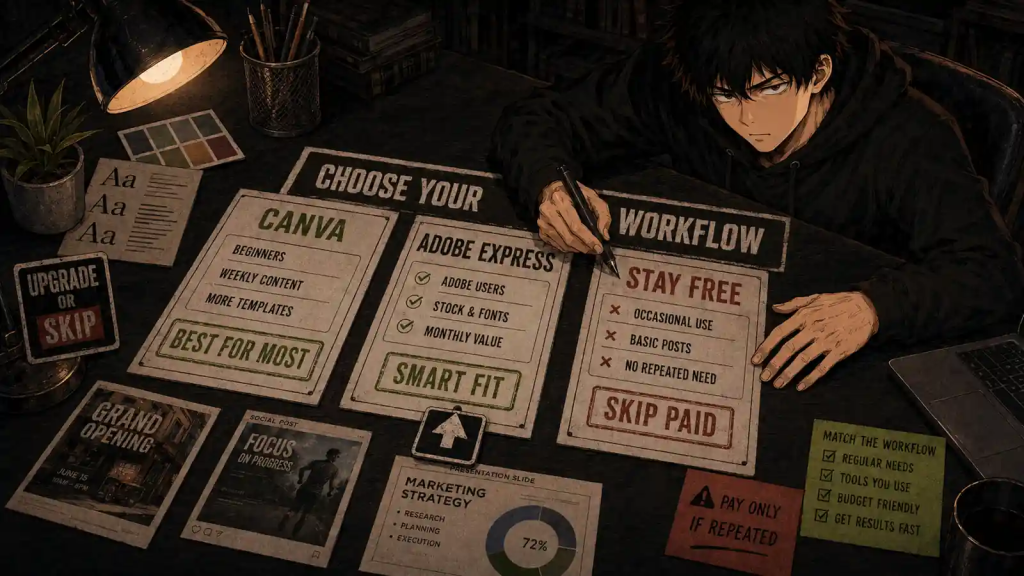
Choose Canva If
Choose Canva if:
- You are new to design.
- You want the easiest general-purpose editor.
- You create several types of visual content.
- Presentations are important.
- You need a large template and element library.
- You collaborate with clients or teammates.
- You manage several Brand Kits.
- You create social graphics every week.
- You want one workspace for designs, presentations, simple videos, and documents.
- Canva Pro’s premium tools save enough time to justify $180 per year.
Choose Adobe Express If
Choose Adobe Express if:
- You already pay for a plan that includes Express Premium.
- You regularly use Photoshop, Illustrator, Lightroom, or other Adobe tools.
- You value Adobe Fonts and Adobe Stock.
- Firefly fits your AI workflow.
- You prefer a $9.99 monthly plan without an annual commitment.
- You mostly create straightforward branded social content.
- Express Free or Premium provides every export and editing tool you need.
- You want to spend less than Canva Pro.
Stay Free If
Stay with Canva Free or Adobe Express Free if:
- You create designs only occasionally.
- Free templates already look good enough.
- You upload most of your own assets.
- You do not regularly remove backgrounds.
- You rarely resize one design into several formats.
- You do not manage multiple brands.
- You do not need paid AI allowances.
- You are still learning what kind of content you create.
- Paid features do not save measurable time.
The free plans are not demos.
They are capable design tools that can complete real work.
Skip Both Paid Plans If
Skip both paid plans if:
- You make only a few graphics per year.
- You subscribe before testing the free versions.
- You expect templates to replace design judgment.
- You already own another tool that completes the same work.
- You mainly need professional photo, vector, or video editing.
- You pay for premium assets but still download everything from free libraries.
- You cannot identify the paid feature you would use every week.
- You are collecting creative tools instead of completing creative projects.
As discussed in When an Upgrade Actually Makes Sense, the correct upgrade solves a repeated limitation.
A premium icon beside a template is not automatically a repeated limitation.
Final Verdict
Canva is the better design platform for most beginners.
It wins because it offers:
- Easier onboarding
- More templates
- Better presentations
- Stronger collaboration
- Better organization
- A broader visual-content workflow
- More integrated tools for non-designers
Adobe Express is the better choice for a smaller, clearly defined group:
- Existing Adobe subscribers
- Firefly users
- Creators who value Adobe Fonts and Stock
- Individuals who prefer lower monthly pricing
- Users whose work mainly consists of quick branded assets
My final decision:
- Best overall: Canva
- Best for most beginners: Canva Free
- Best paid all-in-one option: Canva Pro
- Best standalone paid value: Adobe Express Premium
- Best for existing Adobe users: Adobe Express
- Best for occasional creators: Stay Free
- Best for professional design work: Neither replaces Photoshop, Illustrator, or dedicated professional software
Canva gives most beginners more room to grow.
Adobe Express gives Adobe users fewer reasons to pay twice.
Start free.
Complete real work.
Then pay for the platform that removes the limitation you actually encountered.
Frequently Asked Questions
Is Adobe Express better than Canva?
Adobe Express is better for existing Adobe users, Adobe Fonts, Firefly integration, and lower standalone pricing. Canva is better for most beginners, presentations, templates, collaboration, and broad everyday content creation.
Is Adobe Express cheaper than Canva Pro?
Yes. Adobe Express Premium currently costs $9.99 per month, or approximately $119.88 across 12 months. Canva Pro currently costs $180 per year for one person.
Is Adobe Express included with Creative Cloud?
Adobe Express Premium is included with Creative Cloud Standard, Creative Cloud Pro, and most Creative Cloud single-app subscriptions. Check your Adobe account because inclusion depends on the specific plan.
Is Canva Free better than Adobe Express Free?
Canva Free is generally better for beginners who want more templates and content formats. Adobe Express Free is strong for Adobe Fonts, quick image tools, and users who prefer Adobe’s design style.
Is Canva Pro worth $180 per year?
Canva Pro is worth $180 if you create content regularly and repeatedly use Background Remover, Magic Resize, premium assets, Brand Kits, scheduling, and higher AI allowances. Occasional users should stay with Canva Free.
Does Adobe Express have a free plan?
Yes. Adobe Express Free includes basic editing tools, templates, stock assets, fonts, social scheduling for one account per network, limited AI tools, and 5 GB of storage.
Which is better for social media?
Canva is better overall because of its templates, resizing workflow, asset selection, collaboration, and content organization. Adobe Express remains a strong choice for quick branded posts and Adobe-based workflows.
Which is better for presentations?
Canva is better for presentations. It provides more templates, stronger page organization, collaboration, presenter tools, and visual elements.
Which is better for video editing?
Canva is slightly more flexible for simple template-based videos. Neither is suitable for detailed timeline editing compared with CapCut, Filmora, Premiere Pro, or another dedicated video editor.
Which has better AI tools?
Canva offers a broader collection of AI tools across its visual workspace. Adobe Express has stronger integration with Adobe Firefly and may be more appealing for commercially focused Adobe workflows.
Can Adobe Express replace Photoshop?
No. Adobe Express is designed for quick content creation. Photoshop provides much deeper photo editing, masking, compositing, retouching, color, and layer control.
Can Canva replace Adobe Creative Cloud?
Not for professional photo editing, vector illustration, page layout, animation, audio, or advanced video production. Canva can replace several simpler content tools for non-designers.
Should I pay for both Canva and Adobe Express?
Usually not. Pay for both only if each performs a clearly different recurring job. If Adobe Express Premium is included with your Adobe subscription, test it before adding Canva Pro.
Next Up
ProWritingAid Review: Is It Better Than Grammarly for Long-Form Writing?
Upgrade smarter. Skip louder.