
Disclosure: This post may contain affiliate links. If you buy through them, we may earn a small commission at no extra cost to you.
Welcome back to Upgrade or Skip.
We just finished our PC Upgrade Reality Check series.
The final question was simple:
When is the right time to upgrade your PC?
The answer was never:
“When a new product launches.”
It was:
When need, evidence, and value line up.
That series was about hardware.
GPUs.
Slow PCs.
Upgrade anxiety.
The endless cycle of people convincing themselves their perfectly fine computer is somehow “holding them back.”
But here is the funny thing:
Upgrade anxiety did not disappear when we stopped talking about graphics cards.
It just changed clothes.
Now it has a subscription page.
Instead of:
“Is my GPU outdated?”
The question became:
“Is my workflow outdated?”
Instead of:
“Should I buy this new graphics card?”
It became:
“Should I pay for this new AI model?”
Same pressure.
Different checkout page.
So this is not a new topic.
It is the same Upgrade or Skip question wearing software clothes.
Software & AI Upgrade Reality Check
And the first question is simple:
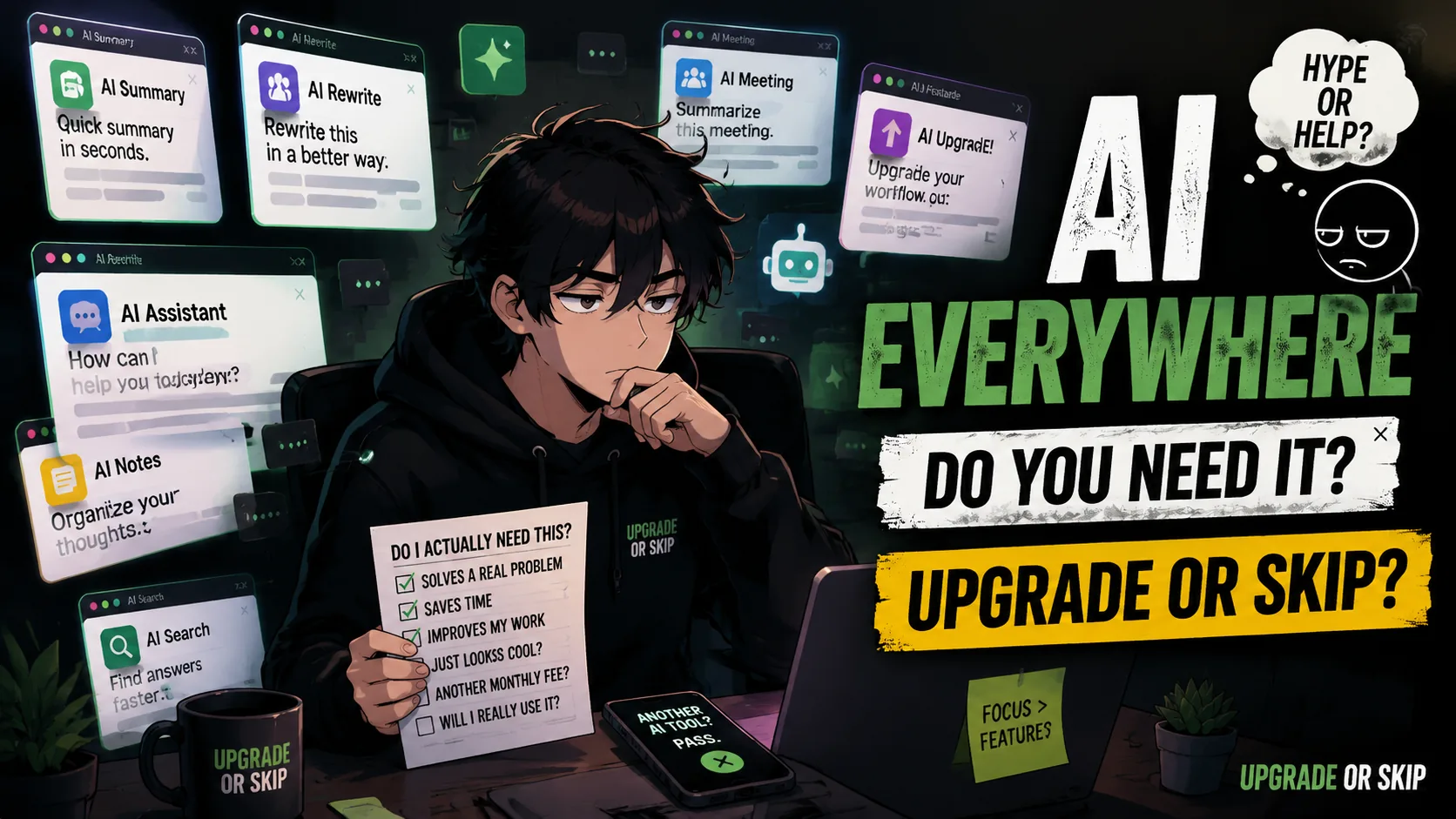
AI is everywhere. But do you actually need it?
I Am Not Anti-AI
Let’s get this out of the way.
I am not anti-AI.
AI can be genuinely useful.
It can summarize documents, rewrite drafts, explain concepts, help with code, assist research, and organize messy ideas.
The problem is not AI.
The problem is AI panic.
Every company is adding AI features and acting like a sparkle icon automatically makes a product better.
The biggest problem is making people feel behind if they are not constantly:
- Prompting
- Generating
- Summarizing
- Automating
- Optimizing
- Subscribing
That feeling is expensive.
Everything Has AI Now
In 2026, AI is everywhere.
Search engines.
Email apps.
Documents.
Meeting software.
Phones.
Browsers.
Note-taking apps.
Photo editors.
Everywhere you look, another button offers to summarize, rewrite, generate, enhance, draft, automate, or recommend.
Some features are genuinely helpful.
Some are harmless.
Some are just normal buttons wearing an AI costume.
The New FOMO Is Workflow FOMO
PC upgrade anxiety sounded like:
“Is my GPU too old?”
AI anxiety sounds like:
“Am I using the right model?”
“Should I pay for ChatGPT Plus?”
“Is Claude better for writing?”
“Do I need Perplexity?”
Same brain loop.
Different vocabulary.
AI Is Useful When It Has A Job
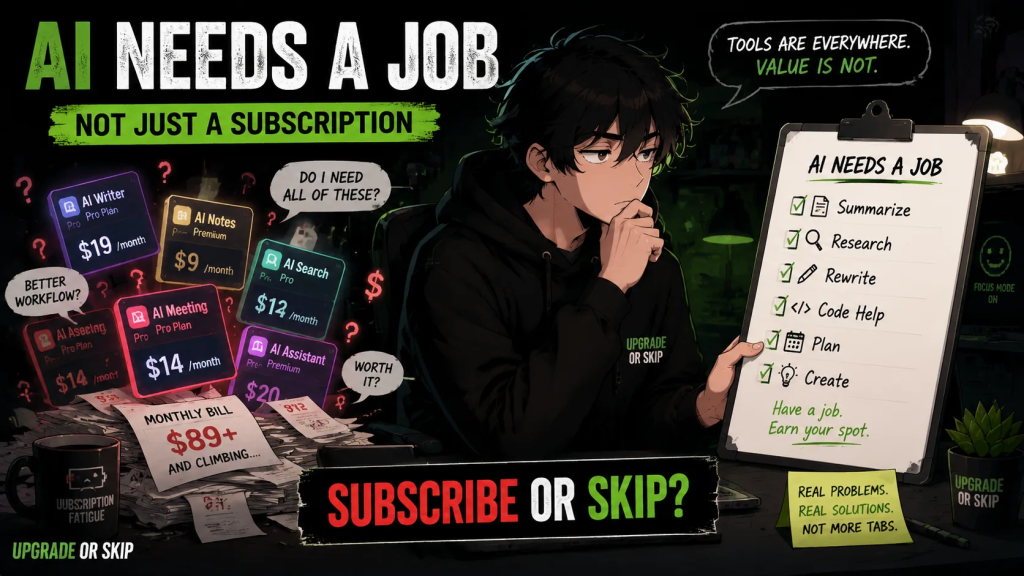
The easiest way to think about AI is:
AI should have a job.
Not a vibe.
A job.
Examples:
- Summarize meeting notes.
- Help outline articles.
- Explain difficult concepts.
- Rewrite emails.
- Compare information.
- Create image concepts.
- Turn messy notes into structure.
But if the job is:
“Make me feel like I am using the future.”
Skip it.
That is not a workflow.
That is a subscription with better lighting.
AI Is Not Automatically An Upgrade
Adding AI does not automatically make a product better.
Sometimes it helps.
Sometimes it adds clutter.
Sometimes it creates privacy concerns.
Sometimes the old button was better.
“AI-powered” is not the final answer.
Ask:
- Does it save time?
- Does it improve results?
- Does it remove a real limitation?
- Does it fit how you work?
- Can you trust it with your data?
If not, it is not an upgrade.
It is decoration.
Free AI May Be Enough
Before paying for AI, actually use the free version.
Not for five minutes.
Actually use it for real tasks.
Try:
- Writing
- Research
- Summaries
- Planning
- Learning
- Email drafts
- Basic coding help
- Everyday questions
Paid AI makes sense when you know exactly what problem you are paying to remove.
If you cannot name the problem:
Do not buy the solution yet.
The Subscription Problem Is Real
One AI subscription sounds harmless.
Five subscriptions start looking like a productivity influencer’s shopping list.
ChatGPT.
Claude.
Gemini.
Perplexity.
Copilot.
Notion AI.
Canva AI.
Midjourney.
Individually, each might be useful.
Together, they become monthly charges attached to good intentions.
That is the AI subscription trap.
Upgrade If:
- AI solves a repeated problem in your work or daily life.
- You use it often enough that free limits become annoying.
- It saves measurable time.
- It improves something you already do.
- You know exactly what job it performs.
- You understand the privacy trade-offs.
Skip If:
- You are paying because everyone online says AI is mandatory.
- You barely use the free version.
- You cannot explain what problem it solves.
- Another tool already does the same thing.
- The feature looks impressive but changes nothing.
- You are subscribing just to feel caught up.
The Upgrade or Skip Take
AI is everywhere.
Some of it is useful.
Some of it is annoying.
Some of it is genuinely impressive.
Some of it is just a sparkle button wearing a business model.
The goal is not to reject AI.
The goal is to stop treating every AI feature as an automatic upgrade.
You do not need every model.
You do not need every subscription.
You need tools that solve real problems.
If AI helps, use it.
If paid AI earns its place, upgrade.
If it only creates anxiety, skip it.
The future may be AI-powered.
Your decisions still need to be human.
Next Up
The AI Subscription Trap: How Many AI Tools Are You Actually Using?
Because sometimes the problem is not that one AI tool is expensive.
It is that five of them quietly moved into your bank account.
Upgrade smarter. Skip louder.