
Welcome back to Upgrade or Skip.
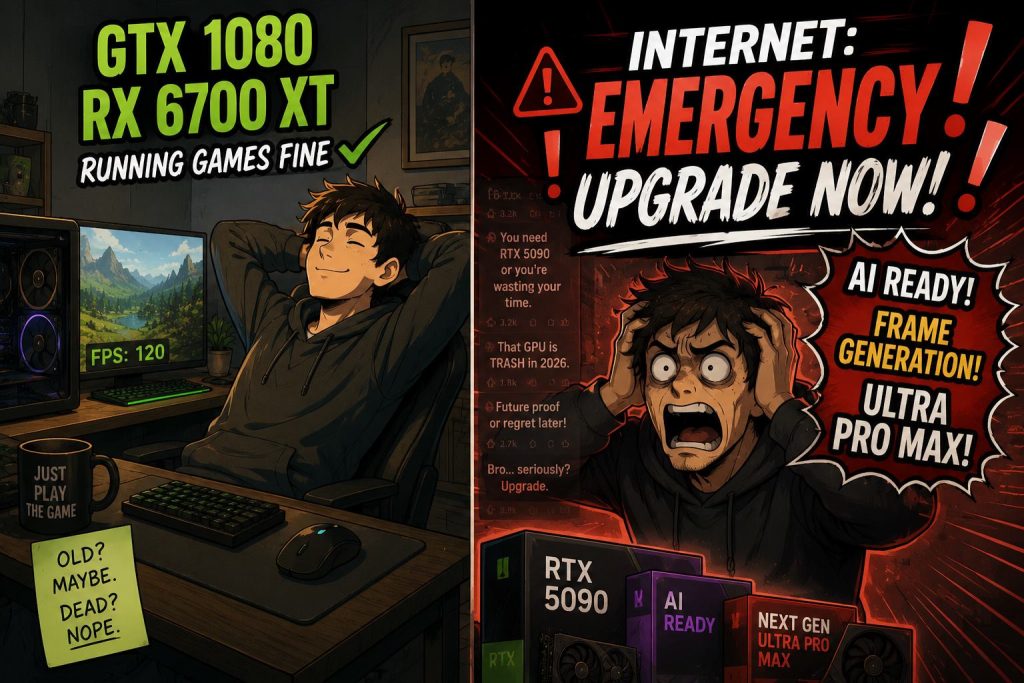
So far, we have talked about an “obsolete” PC that still works, a GPU that refused to die, and why the internet loves declaring perfectly usable hardware dead.
Now comes the uncomfortable question:
Do you actually need a new GPU?
Or do you just need to stop treating the Ultra preset like a sacred religious text?
Because a lot of PC upgrade panic starts in the same place.
Someone opens a new game, selects Ultra, turns on ray tracing, pushes native 1440p or 4K, watches the frame rate fall over, and immediately concludes that the graphics card is finished.
Maybe it is.
But maybe the settings menu is just doing what settings menus do: exposing every expensive visual feature at once and pretending they all matter equally.
They do not.
Ultra Is Not a Personality
Ultra settings are useful for screenshots, benchmark charts, GPU reviews, and making people feel bad about perfectly usable hardware.
They are not the default way most games are meant to be enjoyed.
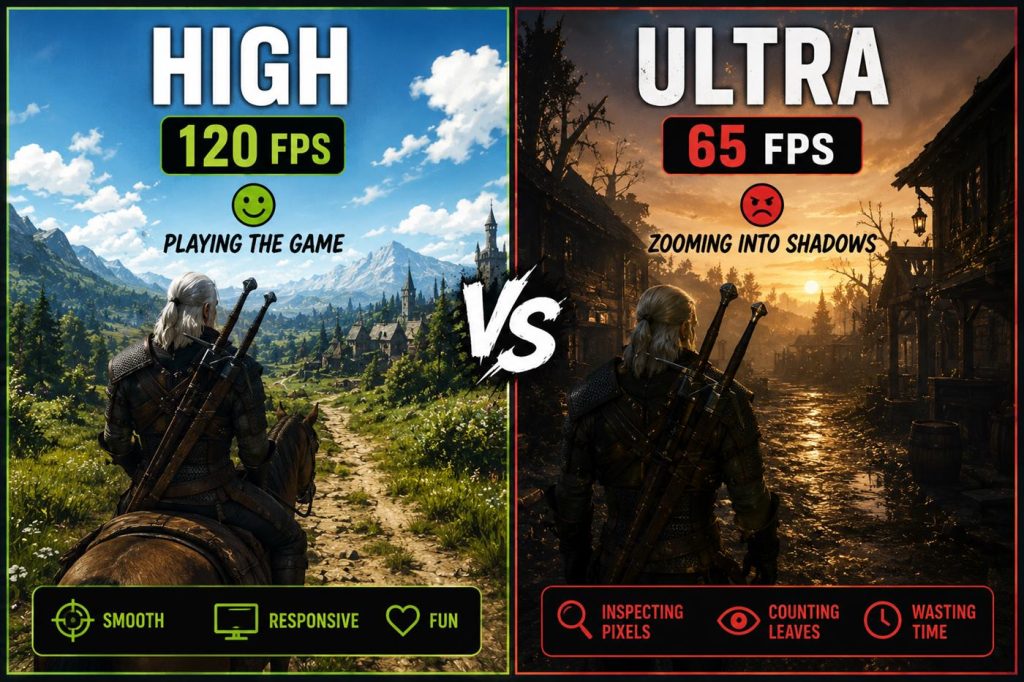
In real gameplay, the difference between High and Ultra is often much smaller than the performance hit suggests.
You may notice it when standing still, zooming into puddles, staring at shadows, or doing the classic reviewer ritual of slowly panning the camera across a brick wall.
But while playing?
While driving, fighting, looting, dodging, aiming, or trying not to get flattened by a boss?
A lot of those “must-have” visual upgrades quietly disappear into motion blur, particle effects, and your own panic.
Many players barely notice the difference between High and Ultra during actual gameplay, especially once the action starts.
That is not anti-graphics.
That is anti-spending $700 because a shadow looked slightly less emotionally available.
What Gamers Keep Getting Right
Spend enough time in buildapc-style upgrade threads and YouTube benchmark videos, and a pattern shows up.
The useful answers almost never start with:
“Buy the newest GPU.”
They start with boring questions:
- What resolution are you playing at?
- What frame rate are you actually targeting?
- Which game is causing the problem?
- Are you using Ultra because it looks better, or because the menu made it sound important?
- Is ray tracing on?
- Is VRAM actually full?
- Are the 1% lows bad, or are you just staring at the average FPS number?
That is the part upgrade marketing hates.
Because “turn ray tracing off first” does not move inventory.
Quora asks the same question in a less dramatic way.
The beginner version usually sounds like this:
- My game is lagging. Do I need a new GPU?
- Is Ultra worth it?
- Why does ray tracing destroy my FPS?
- Should I upgrade for 1440p?
- Is my graphics card outdated?
And the answer is usually not a shopping list.
It is a diagnosis.
Resolution first. Target frame rate second. Games third. Settings fourth. Checkout page last.
And sometimes YouTube testing makes the same point from the opposite direction.
When reviewers show games struggling even on absurdly expensive GPUs, the lesson is not always that everyone needs a new card.
Sometimes the lesson is:
- The game is badly optimized.
- The setting is unusually demanding.
- The preset was built to punish hardware for sport.
Real PC gaming is messier than simple upgrade advice makes it sound.
The Settings That Usually Deserve Trial Before Checkout
Before buying a new GPU, try lowering these first:
- Ray tracing
- Path tracing
- Shadow quality
- Volumetric fog and clouds
- Reflections
- Hair and fur simulation
- Crowd density
- Ambient occlusion
- Texture quality (only if VRAM is actually maxing out)
- Native resolution (if upscaling looks good in that game)
Ray tracing is the big one.
Sometimes it looks amazing.
Sometimes it looks like you paid 40 FPS for shinier puddles and a moral lesson about marketing.
Path tracing is even more brutal.
It can be gorgeous, but on anything short of very high-end hardware, it often turns the GPU into a space heater with ambition.
Shadows and volumetrics are another classic trap.
They can eat performance like they pay rent inside your PC case, while the visual improvement from High to Ultra may only be visible in side-by-side screenshots.
The boring truth is this:
High settings are often where the sensible people live.
Ultra is where benchmarking goes to flex.
Upscaling Is Not Cheating. It Is Just the World We Live In Now.
DLSS, FSR, XeSS, resolution scaling, and frame generation are everywhere now.
You can dislike that.
I sometimes do.
It is annoying that modern games increasingly rely on upscaling as if native performance is an optional luxury feature.
But pretending upscaling does not exist is not practical either.
If DLSS Quality or FSR Quality gives you a smoother experience with little visible downside, use it.
Your GPU does not earn a medal for rendering every pixel the hard way.
Frame generation is different.
It can be useful, but it is not magic.
If your base frame rate is already decent, it can make motion feel smoother.
If your base frame rate is terrible, it can feel like putting a luxury steering wheel on a shopping cart.
The rule is simple:
Upscaling can save an older GPU.
Frame generation cannot always rescue a bad experience.
When Lowering Settings Is the Smart Move
Lower your settings before upgrading if:
- You play at 1080p or reasonable 1440p.
- You are still getting playable frame rates on High or optimized settings.
- Your main problem appears only when ray tracing is enabled.
- You are chasing Ultra because the internet told you to.
- Your GPU has enough VRAM for the settings you actually use.
- You mostly play competitive games, older games, esports titles, or well-optimized games.
- You would rather spend money on a better monitor, SSD, RAM, chair, or literally anything that improves daily life more.
This is especially true if the upgrade you are considering costs more than your entire console-owning friend group’s emotional stability.
A GPU upgrade should solve a real problem.
Not a benchmark chart problem.
Not a YouTube thumbnail problem.
Not a fear-of-missing-out problem.
When You Actually Should Upgrade
Upgrade if:
- You cannot hit your target frame rate even after using reasonable settings.
- You moved from 1080p to 1440p or 4K and your GPU is clearly struggling.
- Your VRAM is consistently maxed out and causing stutter, texture issues, or ugly 1% lows.
- You specifically want serious ray tracing or path tracing performance.
- You need CUDA, AI, rendering, editing, streaming, or creator features your current GPU lacks.
- A specific game you care about runs badly even after settings tweaks.
- Your card is overheating, unstable, crashing, artifacting, or physically dying.
That last one matters.
This site is not about never upgrading.
That would be just as silly as upgrading every time a company changes the box art.
Sometimes the GPU really is done.
Sometimes your needs changed.
Sometimes you bought a new monitor and your old card is now trying to push twice the pixels while quietly asking for retirement paperwork.
That is a real upgrade case.
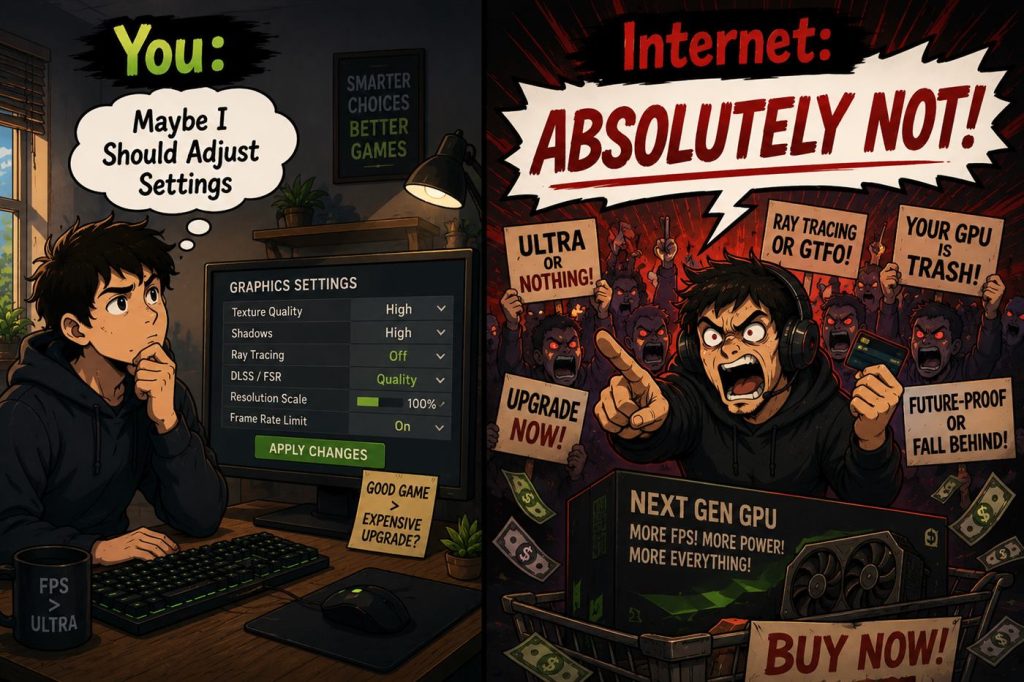
But if the only reason you want a new GPU is that Ultra settings turned one game into a slideshow, maybe the first stop should be the settings menu, not the checkout page.
My Rule Before Buying a New GPU
Before buying a graphics card, do this:
- Set the game to High instead of Ultra.
- Turn ray tracing off.
- Try DLSS, FSR, or XeSS Quality mode if available.
- Lower shadows and volumetrics one step.
- Check VRAM usage.
- Cap the frame rate to something stable.
- Play for 20 minutes without staring at the FPS counter like it owes you money.
If the game feels good, congratulations.
You just saved yourself a GPU purchase.
If it still feels bad, now you have evidence.
Not vibes.
Not panic.
Evidence.
And evidence is what should decide upgrades.
The Upgrade or Skip Verdict
Do you need a new GPU?
Maybe.
But not before you have tried the cheaper upgrade first:
Changing settings.
That little menu is boring.
It does not come in a box.
Nobody makes launch-day reaction videos about turning shadows from Ultra to High.
But it might save you hundreds of dollars.
And if it does not, then at least you will know the upgrade is earned.
Not panic-bought.
Not thumbnail-bought.
Not “AI Ready Future-Proof Ultra Pro Max” bought.
Earned.
The internet loves simple answers because simple answers sell hardware.
Real PC gaming is messier.
Sometimes the GPU is old.
Sometimes the settings are stupid.
Sometimes the game is badly optimized.
And sometimes Ultra is just High wearing a fake mustache and charging you 40 FPS.
Because a new GPU should solve a problem.
Not replace a settings menu.
If lowering two settings fixes the problem, you did not need a new GPU.
You needed a different preset.
Next Up
How Much VRAM Do You Really Need in 2026?
Because the internet has somehow turned memory capacity into a religious debate.
Upgrade smarter. Skip louder.